Quick Answer: How Do You Manage a Copa Airlines Booking?
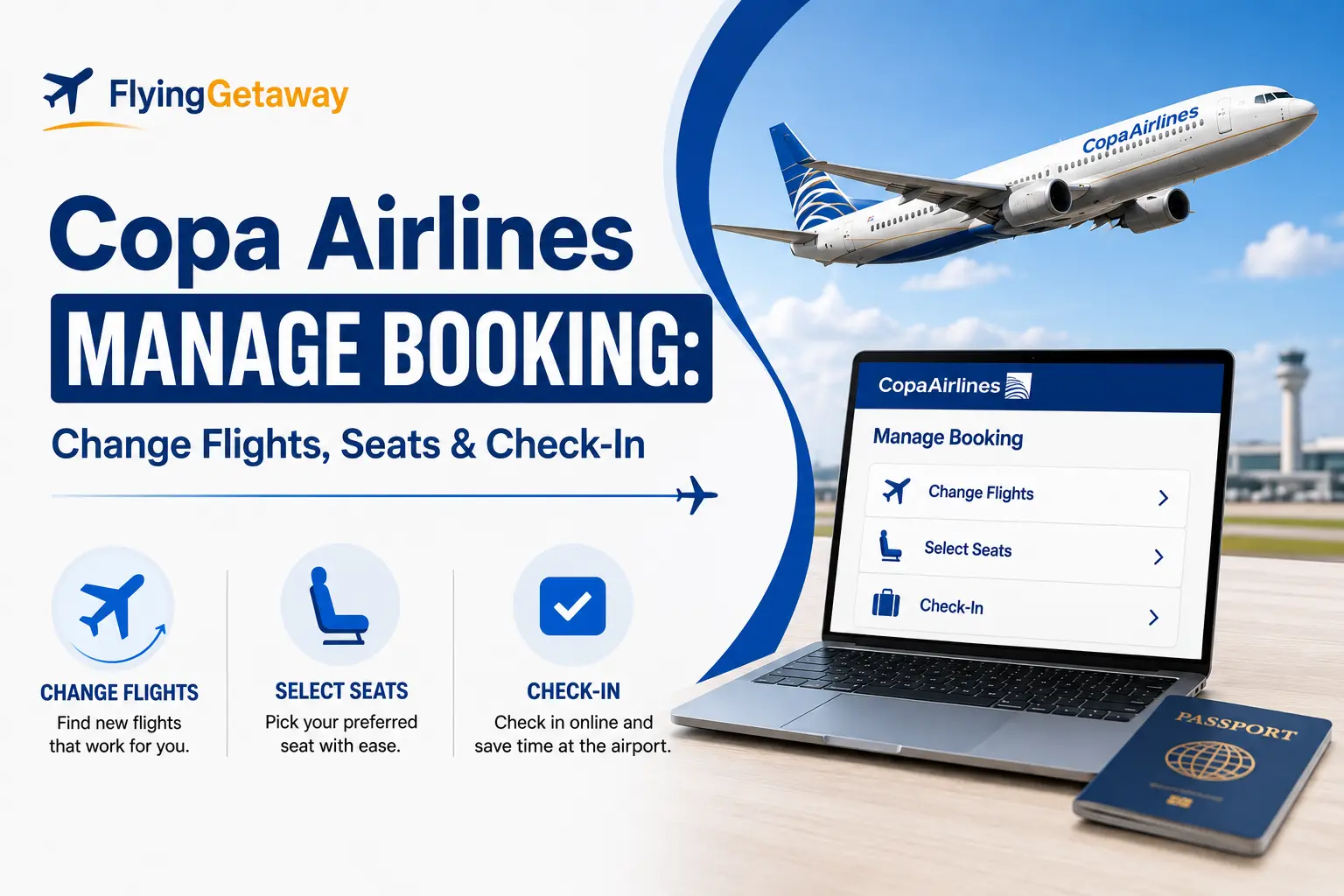
To manage a Copa Airlines booking, open Copa My Trips and enter your reservation code and full last name. From there, you can view your itinerary, change eligible flights, select seats, check baggage allowance and access other trip options. Copa also lets travelers manage trips through its mobile app.
Already have your booking details?
Use Copa’s official My Trips tool to access your reservation.
| What do you need to do? | Where to start |
|---|---|
| View itinerary | My Trips |
| Change an eligible flight | My Trips / Change Itinerary |
| Select or change a seat | My Trips |
| Check baggage allowance | My Trips / baggage calculator |
| Add baggage | During eligible online check-in |
| Check in | Web Check-In |
| Request a refund | Copa Refund Request |
| Agency-issued ticket | Contact the issuing agency |
How to Access Copa Airlines My Trips
- Visit Copa Airlines.
- Open My Trips or Manage Your Booking.
- Enter your reservation code.
- Enter the passenger’s full last name.
- Open the reservation.
- Select the service you need.
Copa recommends having your reservation code ready when using its self-service tools or contacting support.
Can You Change a Copa Airlines Flight Online?
Yes, eligible reservations can be changed through Copa’s digital tools.
A flight change may involve:
- A new travel date
- A different flight on the same route
- A fare difference
- A change penalty, depending on the fare purchased
Copa states that fare-family conditions determine the applicable change restrictions, penalties and fare differences. Some procedures handled through the Call Center may also carry administrative charges. copaair.com
If the ticket was purchased through a travel agency, the agency may need to process the change.
For cancellation rules, read Copa Airlines Cancellation Policy 2026.

Can You Select Seats Through Copa Manage Booking?
Yes. Copa allows passengers to select seats after purchasing a ticket through Manage Your Booking, subject to seat availability and applicable charges. Copa Air Help Center
Available seats can vary by aircraft and fare. Paid seat options may include seats with additional legroom or other preferred locations.
You can also select or review a seat during Web Check-In.
Can You Add Baggage After Booking?
Yes. Copa lets passengers check their baggage allowance using the reservation and baggage tools, and additional baggage can be prepaid during eligible Web Check-In.
Copa updated its checked-baggage policy effective April 15, 2026, so do not rely on baggage allowances from older guides. Your allowance depends on the itinerary, fare family and frequent-flyer status.
When Does Copa Airlines Online Check-In Open?
Copa Web Check-In is available from 24 hours until 1 hour before departure.
During online check-in you can:
- Confirm passenger details
- Verify travel documents
- Select a seat
- Add extra baggage
- Download a boarding pass
Some travelers must check in at the airport instead. Copa lists exceptions including:
- Pending payments or taxes
- Groups of 10 or more
- Connections involving another airline
- Passengers traveling with pets
- Infants
- Unaccompanied minors
Can You Cancel or Request a Refund Online?
Copa provides an online refund-request process for eligible tickets purchased directly through Copa channels. Refund eligibility depends on the fare rules.
Important rules:
- Direct Copa purchases can be submitted through Copa’s refund form.
- Agency-issued tickets must generally be refunded through the issuing agency.
- Refunds are normally returned using the original payment method and currency when applicable.
- A nonrefundable ticket may retain value for future use while the ticket remains valid, subject to the fare rules and future change charges.
Paid extras such as seats, upgrades and extra baggage are generally nonrefundable unless Copa fails to provide the purchased service.
Why Is Copa Manage Booking Not Working?
Common reasons include:
- Incorrect reservation code
- Last name does not match the ticket
- Ticket was issued by a travel agency
- Itinerary contains another airline
- Payment or taxes are still pending
- Reservation has already been changed
- The requested service is not available online
If the booking was issued by an agency, contact that agency first rather than trying to force the change through Copa.
Using the Copa Airlines App
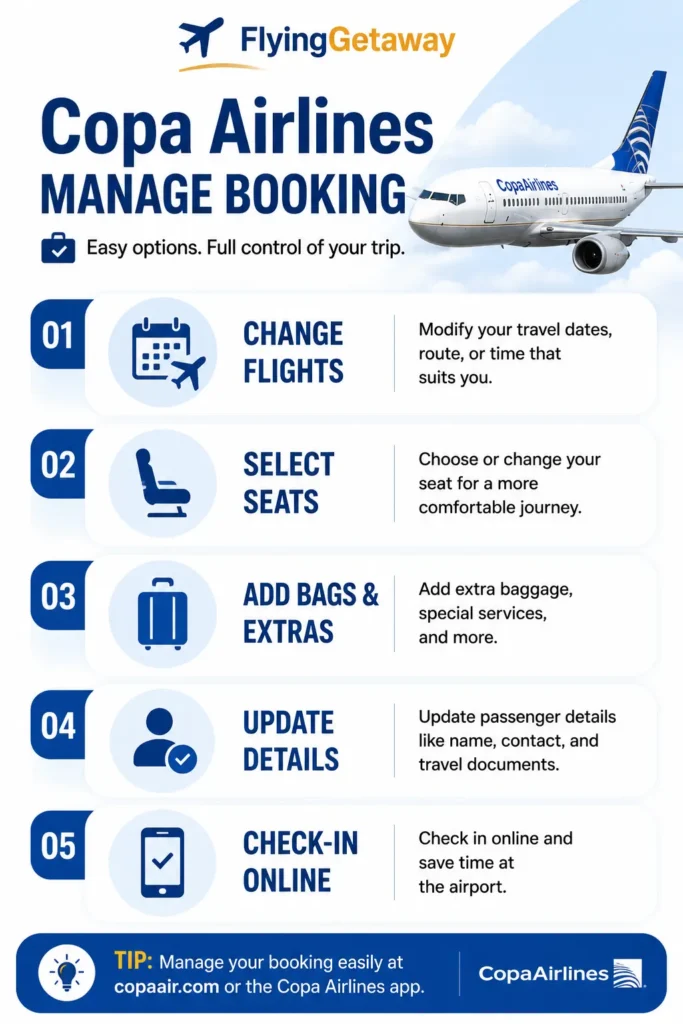
The Copa app can also manage upcoming trips. Current app features include:
- Flight details
- Check-in
- Boarding pass
- Upgrade list
- Standby list
- Traveler information
- ConnectMiles account information
For frequent Copa travelers, this is often more convenient than repeatedly retrieving the reservation through the website.
Bottom Line
Copa Airlines My Trips is the fastest place to manage an existing reservation.
Use it to:
- View the itinerary
- Change eligible flights
- Select seats
- Review baggage
- Access check-in
For refunds, use Copa’s dedicated refund process, and if a travel agency issued the ticket, contact the agency directly.
Need help with a Copa reservation issued through Flying Getaway? Call +1 (646) 814-6001 for booking assistance.
Frequently Asked Questions
1. How do I manage my Copa Airlines booking online?
Go to Copa Airlines My Trips, enter your reservation code and last name, and open your booking. You can view your itinerary, change eligible flights, select seats and access other trip-management options.
2. Can I change my Copa Airlines flight through Manage Booking?
Yes. Eligible Copa tickets can be changed through My Trips or Copa’s itinerary-change tools. Whether a change fee or fare difference applies depends on your fare conditions and the new flight selected. c
3. Can I select or change my seat after booking a Copa flight?
Yes. Copa allows passengers to select seats through My Trips and during online check-in, subject to seat availability and any applicable seat fee.
4. Can I add baggage after booking with Copa Airlines?
Yes. You can review your baggage allowance through Copa’s booking tools and prepay eligible extra baggage during Web Check-In. Copa online check-in opens 24 hours before departure.
5. What should I do if Copa Airlines Manage Booking is not working?
First, check that your reservation code and last name exactly match your ticket. If the booking was made through a travel agency, involves another airline, or requires a service not available online, you may need to contact the ticket issuer or Copa’s Reservation Center.
6. Can I cancel a Copa Airlines booking online?
Eligible direct bookings can be submitted through Copa’s refund-request process. Refund eligibility depends on the fare rules. If the ticket was purchased through a travel agency, Copa instructs passengers to request the refund from that agency.
7. Can I check in through Copa Airlines Manage Booking?
Copa offers Web Check-In from 24 hours before departure, where eligible passengers can confirm travel details, select seats, add baggage and obtain a boarding pass. You can also check in through the Copa app.

Patrick Walker is the travel brain behind Flying Getaway. With a knack for spotting flight deals and a passion for exploring new skies, he helps travelers fly smarter and save more with every trip.