2026 Update: Southwest renamed all fares. Wanna Get Away is now Basic. Wanna Get Away Plus is now Choice. Anytime is now Choice Preferred. Business Select is now Choice Extra. Assigned seating launched January 27, 2026 open seating and A/B/C boarding groups are gone. Basic fares now have restrictions on same-day changes that did not exist before.
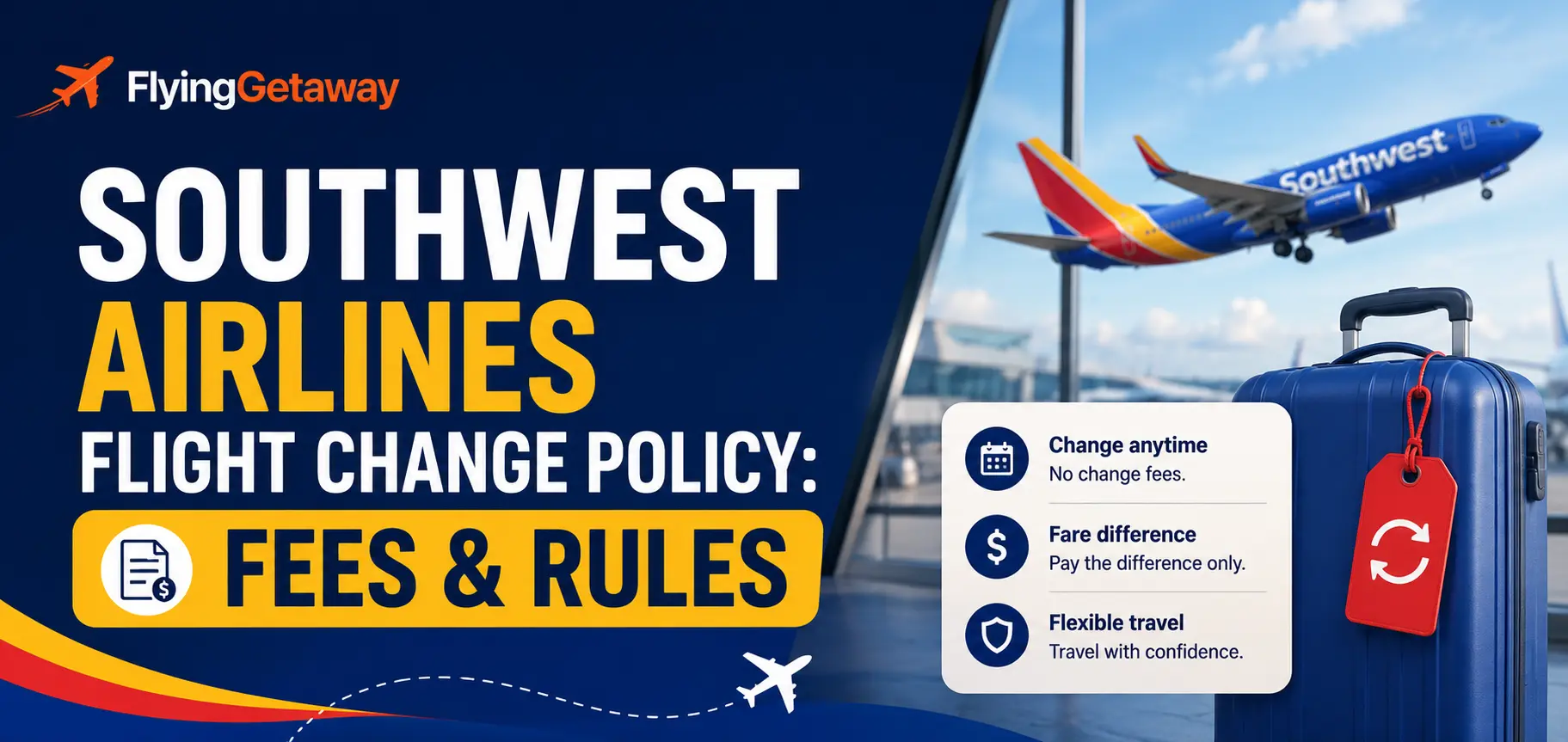
Southwest still charges no flight change fee in 2026. That has not changed. You only pay the fare difference if your new flight costs more. But the rules differ by fare type, especially for Basic fares and same-day changes. Here is the complete breakdown.
Southwest Flight Change Fees by Fare Type 2026
| Fare | Old name | Change fee | If new flight costs more | If new flight costs less |
| Basic | Wanna Get Away | $0 change fee | Pay fare difference | Travel credit issued (not cash) |
| Choice | Wanna Get Away Plus | $0 change fee | Pay fare difference | 12-month transferable flight credit |
| Choice Preferred | Anytime | $0 change fee | Pay fare difference | Full cash refund to original payment |
| Choice Extra | Business Select | $0 change fee | Pay fare difference | Full cash refund to original payment |
No change fee does not mean free: Southwest charges zero change fee but you always pay the fare difference if the new flight is more expensive. On a popular route like Dallas to Las Vegas on a Friday vs Tuesday, that difference can be $80 to $150+ per person. Change early when fares are lower or use low fare calander.
Southwest Basic Fare Flight Change Rules 2026
Basic is the most restrictive fare for changes. Most passengers do not realize this until they try to change.
- You can change a Basic fare flight at no fee but you must pay the fare difference if the new flight costs more
- If the new flight is cheaper, you receive a travel credit, not a cash refund
- Same-day confirmed change is not available on Basic fares. You must upgrade to Choice or above to make a same-day confirmed change.
- Same-day standby is available on Basic fares at no charge, but it is not guaranteed
- You can change a Basic fare as many times as needed before departure, each time paying any applicable fare difference
Key restriction: Basic fare passengers cannot do a same-day confirmed change without upgrading their fare. If you need to switch to an earlier or later flight on the day of travel, you either join the standby list (no guarantee) or pay to upgrade to Choice first. This is a significant restriction that did not exist in the same way under the old Wanna Get Away rules.
Southwest Same-Day Flight Change Policy 2026
Same-day changes let you switch to a different flight on the same calendar day for the same origin and destination. Two options exist:
| Option | Available on | Cost | Guarantee |
| Same-day confirmed change | Choice, Choice Preferred, Choice Extra only | $0 fee, fare difference may apply | Guaranteed seat on new flight |
| Same-day standby | All fares including Basic | $0 | Not guaranteed, subject to seat availability |
| A-List and A-List Preferred members | All fares | Free same-day confirmed change regardless of fare | Guaranteed |
- To use same-day standby: go to the Southwest app or airport kiosk and add yourself to the standby list at least 30 minutes before the new flight departs.
- Standby passengers are confirmed in order of Rapid Rewards tier then check-in time.
- If you are not confirmed on standby, you remain on your original flight.
Looking to book new flights or cancellation and refund of southwest flight booking call us at [tfn] for the prompt assistance.How to Change a Southwest Airlines Flight?
Online at southwest.com
- Go to southwest.com and click Manage Reservations
- Enter your confirmation number and passenger name
- Select Change Flight
- Choose your new date, time, or routing from available flights
- Pay any fare difference. If the new flight is cheaper, your credit or refund is issued automatically.
- New confirmation sent to your email immediately
Southwest Mobile App
- Open the Southwest app and tap My Trips
- Select your booking and tap Change Flight
- Choose your new flight and confirm. Pay any difference.
By Phone or Travel Agent
If you booked through Flying Getaway, call +1 (646) 814-6001 to change your Southwest flight. Agent-booked tickets must be changed through the booking agent. Do not call Southwest directly for agent-booked itineraries.
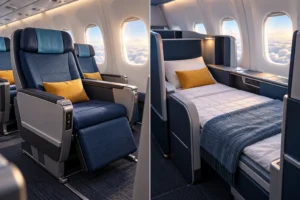
How to Change Your Seat on Southwest in 2026?
Southwest launched assigned seating on January 27, 2026. Open seating and A/B/C boarding groups are gone. Here is how seat changes work now:
- Basic fare: seat assigned at check-in based on availability. You cannot select a different seat online before check-in.
- Choice fare: select any Standard seat at booking. Change your seat by going to Manage Reservations and selecting a different Standard seat before check-in.
- Choice Preferred: select a Preferred seat (near front of cabin) at booking. Change via Manage Reservations.
- Choice Extra: select any seat including Extra Legroom at booking. Change via Manage Reservations.
- Upgrade from Standard to Preferred or Extra Legroom seat: available for purchase via Manage Reservations or at the gate, subject to availability and additional fee
- Priority Boarding: replaces EarlyBird Check-In. Purchase between 24 hours and 60 minutes before departure to board in Group 1 regardless of fare type.

How to Avoid Paying the Fare Difference When Changing Southwest Flights?
- Change on a Tuesday morning. Southwest releases sale fares on Tuesdays. If your new date falls on a Tuesday or Wednesday departure, the fare difference is often lower or zero.
- Switch to off-peak dates. Changing from a Friday or Sunday departure to a Tuesday or Wednesday departure almost always results in a cheaper fare, meaning you receive a credit instead of paying more.
- If the new flight is cheaper, you get money back (Choice Preferred and Extra) or a travel credit (Basic and Choice). Check prices regularly after booking.
- Book Choice Preferred or Extra if changes are likely. The flexibility is worth it when you factor in fare differences on popular routes.
Need to change a Southwest flight? Call Flying Getaway at [tfn] for Southwest flight changes across all 4 fare types. We handle same-day changes, standby requests, and fare difference calculations for US travelers.Frequently Asked Questions
Does Southwest charge a fee to change flights in 2026?
No. Southwest charges zero flight change fee on all four fare types: Basic, Choice, Choice Preferred, and Choice Extra. You only pay the fare difference if the new flight costs more than the original. If the new flight is cheaper, you receive a travel credit (Basic and Choice) or a full cash refund (Choice Preferred and Extra).
Can I change a Southwest Basic fare flight?
Yes, with restrictions. You can change a Basic fare at no fee but pay any fare difference. Same-day confirmed changes are not available on Basic fares without upgrading to Choice first. Same-day standby is available on Basic at no charge but is not guaranteed. The old Wanna Get Away fare had similar restrictions but the 2026 Basic fare makes these clearer.
What are the new Southwest fare names for flight changes?
Southwest renamed all fares in 2026. Wanna Get Away is now Basic. Wanna Get Away Plus is now Choice. Anytime is now Choice Preferred. Business Select is now Choice Extra. Change rules and refund eligibility are tied to these new names. Any guide still using old names has outdated information.
Can I do a same-day flight change on Southwest?
Yes, for Choice, Choice Preferred, and Choice Extra fares at no fee. Basic fare passengers can join the same-day standby list at no charge but a confirmed same-day change requires upgrading to Choice first. A-List and A-List Preferred Rapid Rewards members get free same-day confirmed changes on any fare.
How do I change my seat on Southwest after assigned seating launched?
Basic fare: seat is assigned at check-in, cannot be changed before then. Choice and above: log into Manage Reservations at southwest.com, select your booking, and choose a different seat from the available inventory before check-in. Upgrades from Standard to Preferred or Extra Legroom seats can be purchased for an additional fee subject to availability.
How many times can I change my Southwest flight?
There is no limit. You can change a Southwest flight as many times as needed before departure. Each change is subject to the fare difference at the time of the change. Changing multiple times on a Basic fare can add up quickly if fares increase between changes. Call Flying Getaway at +1 (646) 814-6001 for Southwest flight changes across all 4 fare types.

Patrick Walker is the travel brain behind Flying Getaway. With a knack for spotting flight deals and a passion for exploring new skies, he helps travelers fly smarter and save more with every trip.