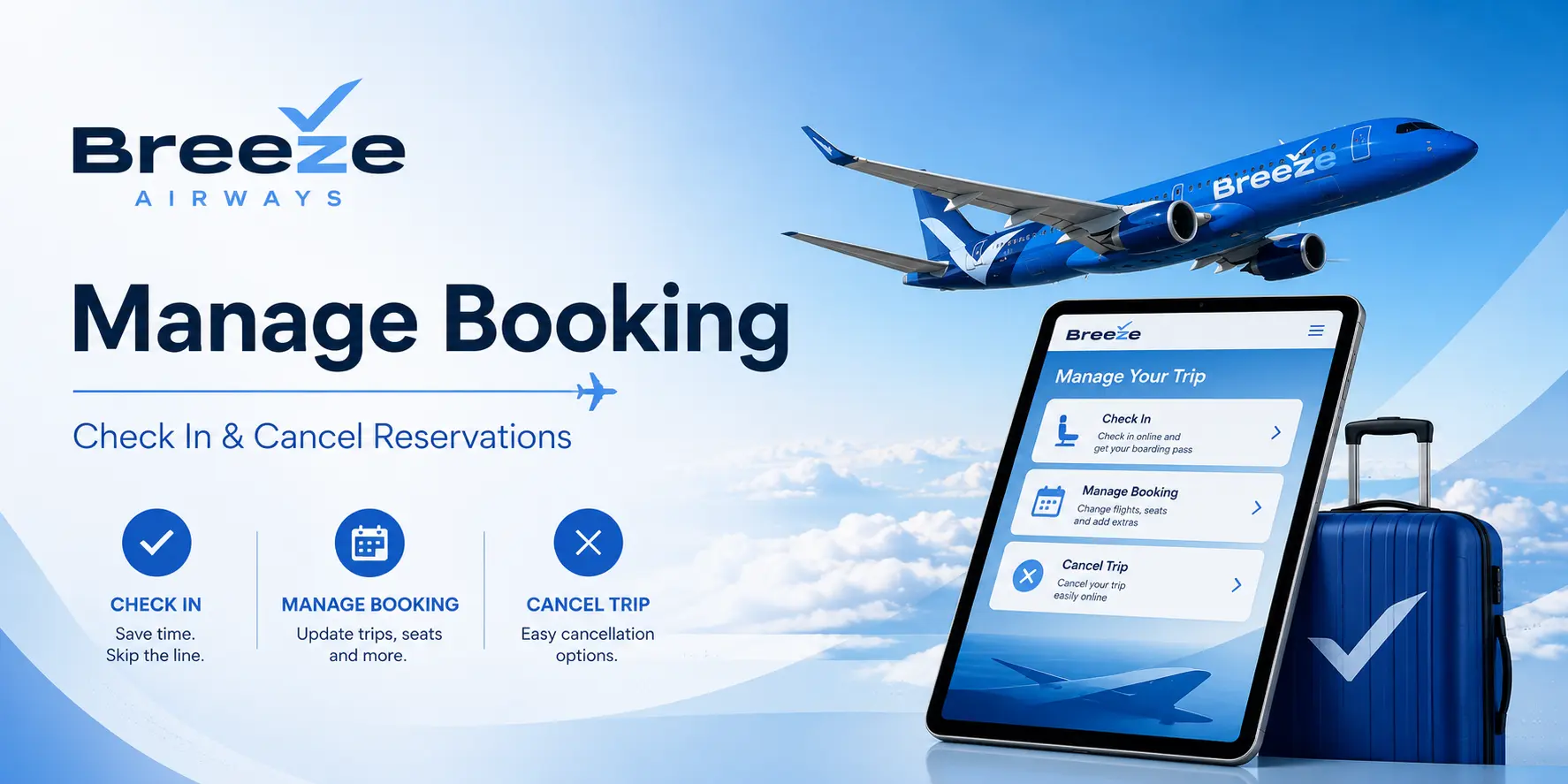
Most changes can be completed online without contacting customer support, making the Breeze Airways Manage Booking portal the fastest way to update your reservation.
Quick Answer: How Do I Manage a Breeze Airways Booking?
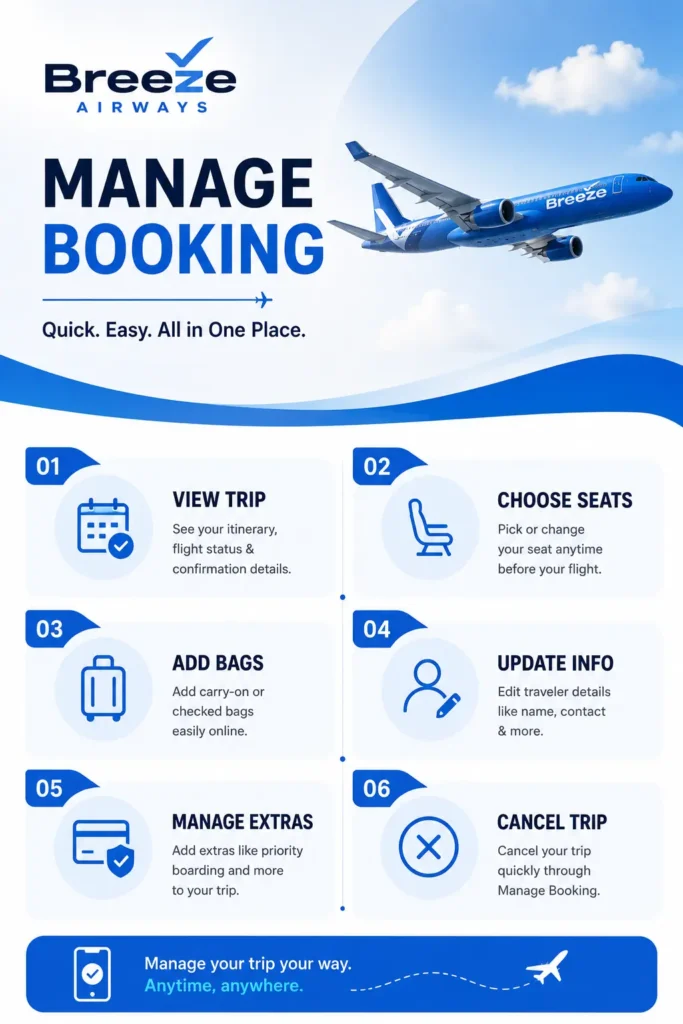
You can access Breeze Airways Manage Booking through the Breeze Airways website or mobile app. After logging into your account or retrieving your trip, you can:
- ✔ Change your flight
- ✔ Cancel your reservation
- ✔ Add carry-on or checked bags
- ✔ Select or upgrade seats
- ✔ Check in online
- ✔ Download your boarding pass
- ✔ View trip details
- ✔ Use BreezePoints or travel credits
What Is Breeze Airways Manage Booking?
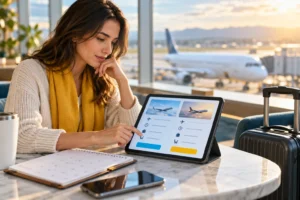
The Breeze Airways Manage Booking section allows travellers to view and modify reservations after booking. Whether you need to change travel dates, add baggage, upgrade seats, or cancel a trip, most actions can be completed online in just a few minutes.
Using Manage Booking helps travellers avoid airport delays and gives access to the latest trip information before departure.
How to Access Breeze Airways Manage Booking
Managing your Breeze reservation is simple.
Step 1
Visit FlyBreeze.com or open the Breeze mobile app.
Step 2
Sign in to your Breeze account or locate your reservation using your booking details.
Step 3
Open your upcoming trip.
Step 4
Select the action you want to perform.
Step 5
Review any fare difference or fees.
Step 6
Confirm changes and save your updated itinerary. You will receive an updated confirmation email after changes are processed.
What Can You Do Through Breeze Airways Manage Booking?
The Breeze Airways Manage Booking portal gives passengers control over most reservation changes.
Change Flights
Modify:
- departure date
- travel time
- destination (when available)
Add Baggage
Purchase:
- carry-on bags
- checked baggage
- additional baggage
Seat Selection
Choose:
- standard seats
- preferred seats
- extra-legroom seating
Cancel Reservations
Cancel eligible bookings and receive applicable travel credits or refunds.
Check In
Complete online check-in before arriving at the airport.
Download Boarding Pass
Access mobile or printable boarding passes.
How to Change a Breeze Airways Flight
Travel plans change.
Fortunately, Breeze allows travellers to modify many bookings online.
Steps to Change a Flight
- Access your trip.
- Select Change Flight.
- Choose new travel dates.
- Review any fare difference.
- Confirm the updated itinerary.
Important: Even when no change fee applies, travellers may still pay the fare difference between the original and new flight.
Flying Tip: If your travel dates are flexible, compare multiple departure days before confirming a change.
Breeze Airways Cancellation Policy
The cancellation outcome depends on the fare purchased and timing of cancellation.
Cancel Within 24 Hours
Travellers may qualify for a full refund if they cancel within the applicable federal cancellation window.
Cancel Before Departure
Many Breeze reservations may receive travel credits depending on fare type.
Breeze-Initiated Cancellations
If Breeze cancels a flight, travellers are generally offered rebooking options or a refund where applicable.
Always review your fare conditions before cancelling.
What Happens If You Miss a Breeze Flight?
Missing a flight without making changes beforehand can be costly.
Travellers who know they cannot travel should modify or cancel their booking before departure. Doing so may preserve travel credit eligibility depending on the fare purchased.
Add Bags Through Breeze Airways Manage Booking
One of the most common reasons travellers access Manage Booking is to purchase baggage.
Personal Item
Included with most fares.
Carry-On Bags
Available for an additional fee.
Checked Bags
Can be added before departure.
Why Add Bags Early?
Baggage purchased online is often cheaper than baggage purchased at the airport.
Flying Tip: Adding baggage at the time of booking or through Manage Booking usually costs less than paying at check-in.
Breeze Airways Seat Selection & Upgrades
Breeze offers multiple seating options.
Passengers can:
- select seats
- move seats
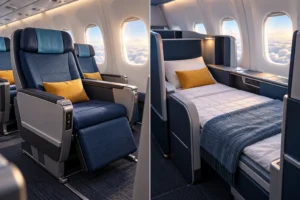
- purchase extra-legroom seating
- sit together with family
The best seats typically become limited closer to departure, so selecting seats early is recommended.
Breeze Airways Online Check-In
Online check-in allows travellers to save time at the airport.
Using Breeze Airways Manage Booking, you can:
- ✔ Check in online
- ✔ Access boarding passes
- ✔ Confirm seat assignments
- ✔ Verify baggage purchases
- ✔ Review itinerary details
Checking in before arriving at the airport helps create a smoother travel experience.
BreezePoints & Travel Credits
Eligible travellers may receive:
- BreezePoints
- travel credits
- future flight credit
depending on fare type and cancellation circumstances.
Before cancelling a reservation, review whether changing your flight may provide better value than accepting travel credit.
Breeze Airways Baggage Policy Overview
| Item | Included? |
| Personal Item | Yes |
| Carry-On Bag | Usually Extra |
| Checked Bag | Usually Extra |
| Seat Selection | Varies |
| Extra Legroom Seat | Extra Cost |
Related Reading: Planning to compare baggage costs?
Read our guides on:
FlyingTip: Add bags and seats as early as possible. Optional services are often cheaper before departure than at the airport.
Final Thoughts
The Breeze Airways Manage Booking portal gives travellers an easy way to modify reservations, add baggage, select seats, check in, and manage travel plans before departure.
Whether you need to change a flight or access your boarding pass, using the online portal is usually faster and easier than waiting until airport check-in.
Need help with Breeze Airways reservations or travel planning? Call Flying Getaway at +1 (646) 814-6001 for flight booking assistance and travel support.
FAQs
How do I access Breeze Airways Manage Booking?
Visit FlyBreeze.com or open the Breeze mobile app, sign in to your account, and access your upcoming reservation to manage your booking.
Can I change a Breeze Airways flight online?
Yes. Breeze allows travellers to modify eligible reservations online. Fare differences may apply when selecting a new flight. Call Flying Getaway at +1 (646) 814-6001 for best flight deals on flight booking and travel support.
Can I cancel a Breeze Airways reservation?
Yes. Cancellation eligibility depends on the fare purchased and the timing of cancellation. Some bookings may qualify for travel credits or refunds.
How do I add baggage after booking?
You can add carry-on bags and checked baggage through Breeze Airways Manage Booking before departure.
Can I select seats after booking?
Yes. Seat selection and upgrades can be completed online through the Manage Booking section. For further assitance with the bookings and deals call ua at +1 (646) 814-6001.
How do I get my Breeze boarding pass?
After check-in opens, travellers can access and download boarding passes through the Breeze app or website.
Does Breeze Airways offer travel credits?
Yes. Depending on fare type and cancellation circumstances, travellers may receive travel credits or BreezePoints for future travel.
Is it cheaper to add bags online or at the airport?
In most cases, baggage purchased online before departure is cheaper than purchasing baggage at the airport.

Patrick Walker is the travel brain behind Flying Getaway. With a knack for spotting flight deals and a passion for exploring new skies, he helps travelers fly smarter and save more with every trip.